Your device
Windows
Windows 10 or 11 · 4 GB RAM
64-bit installer.exe · v1.0.0 · most PCsSoon
ARM installer.exe · v1.0.0 · Snapdragon laptopsSoon
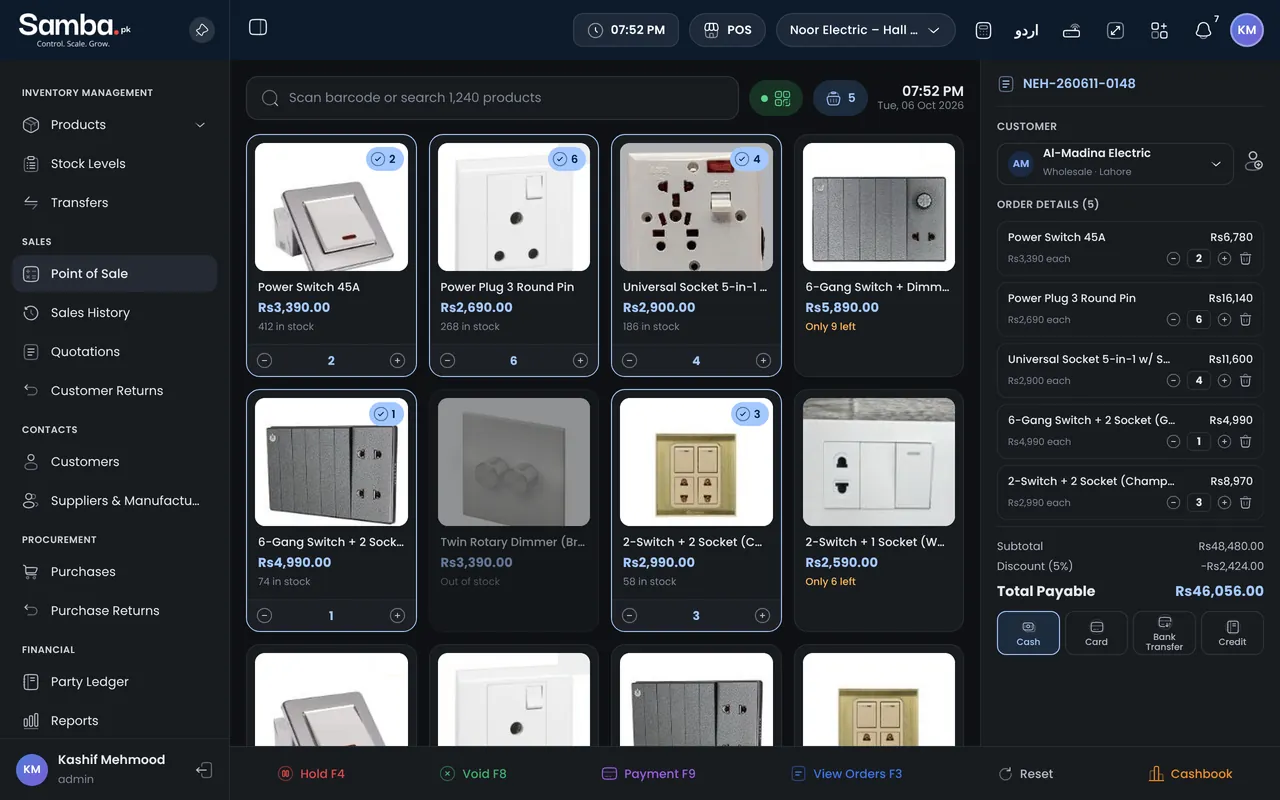
Install Samba on the counter PC and on your phone. Sell, print and collect payments offline — everything syncs with your branches and the web panel the moment you are back online.
Windows 10 or 11 · 4 GB RAM
Apple silicon or Intel
Ubuntu, Debian and most distros
Version 1.0.0 · Free with every Samba plan · Same login as the web panel
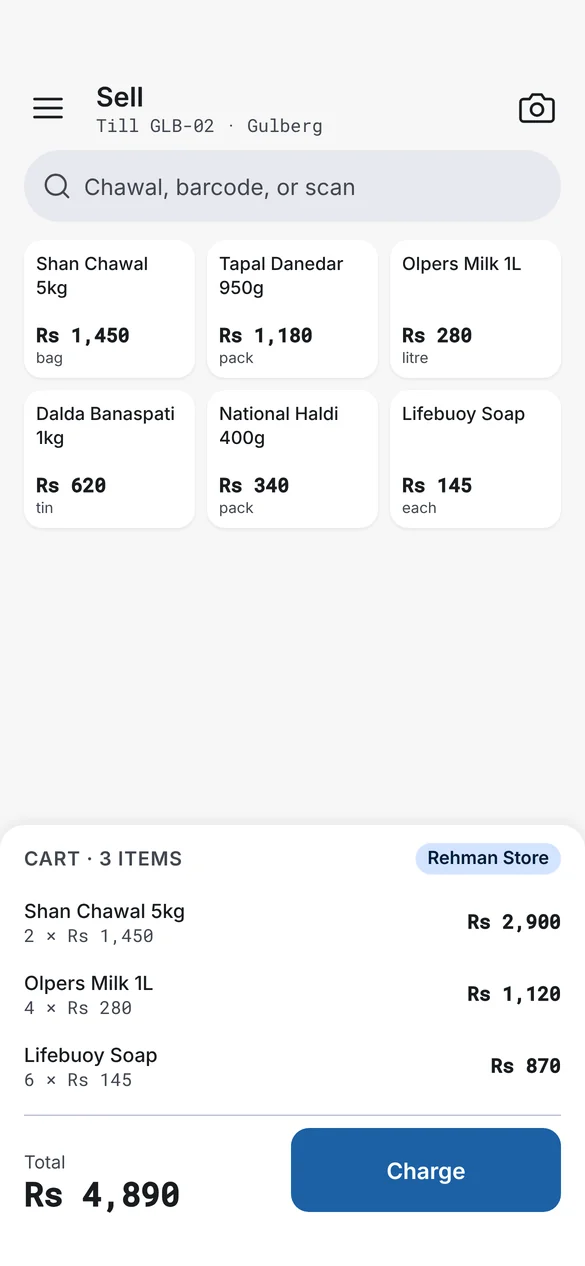
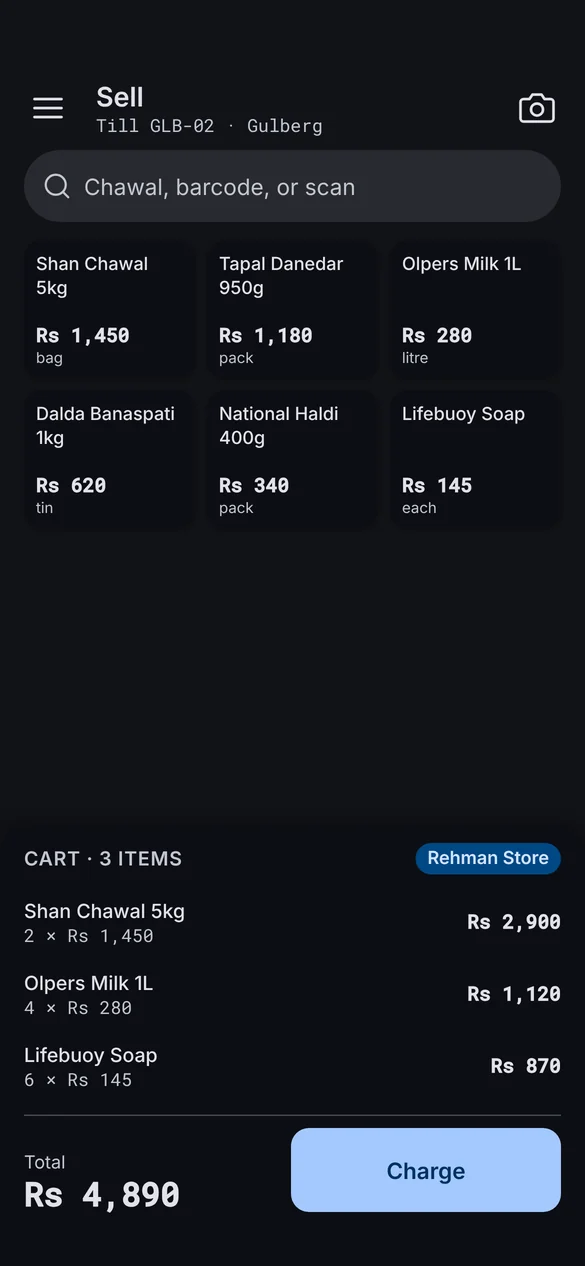
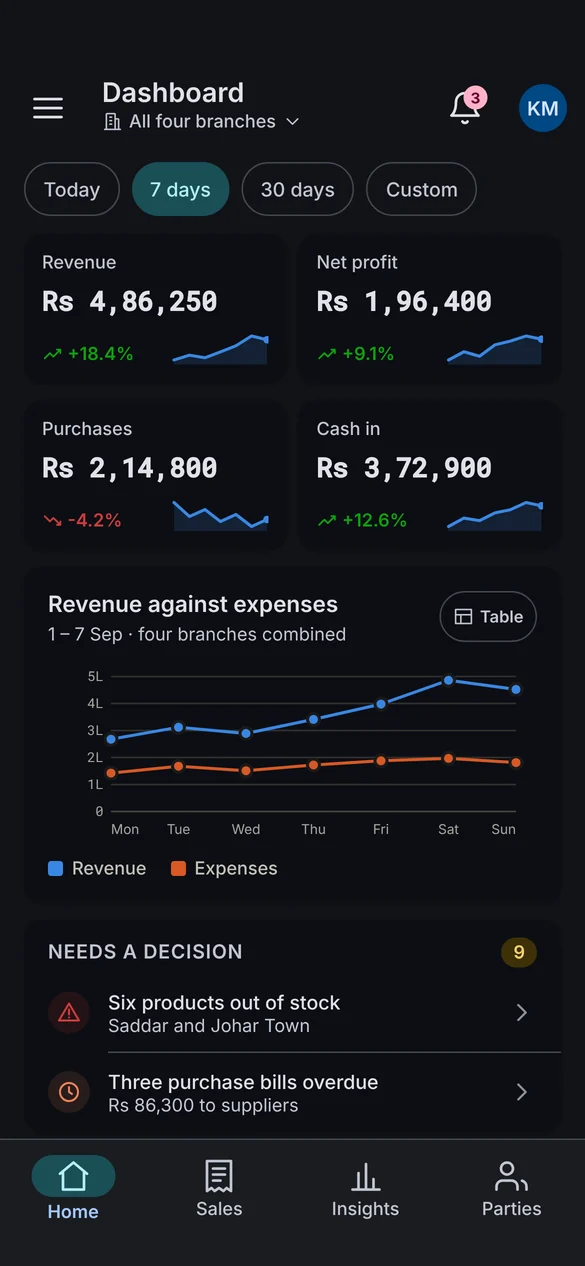
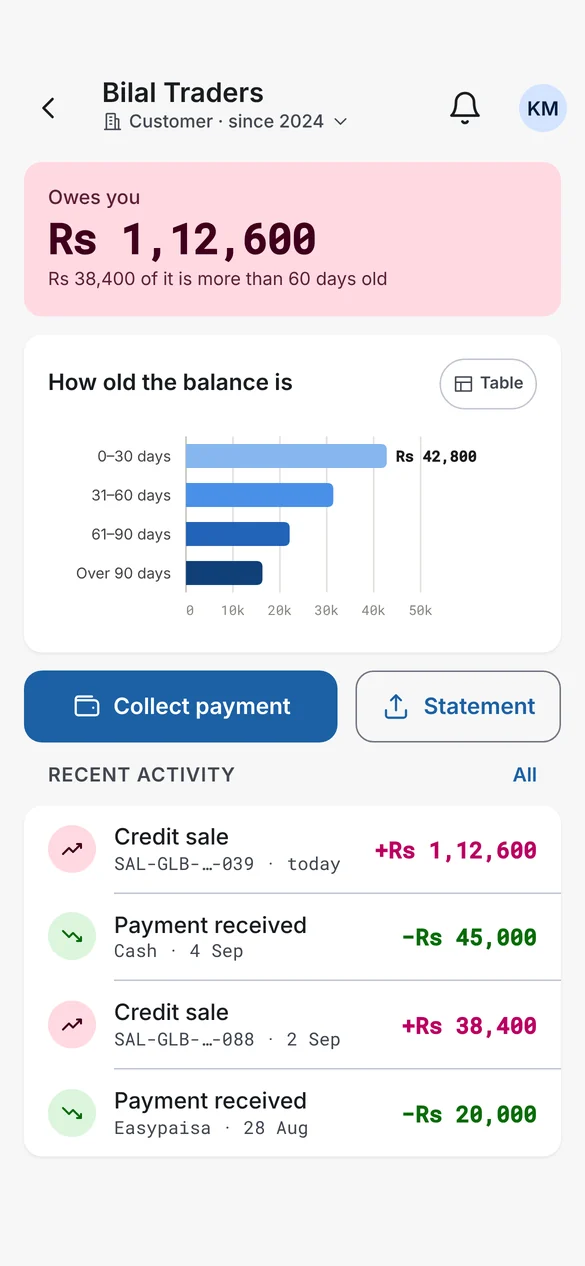
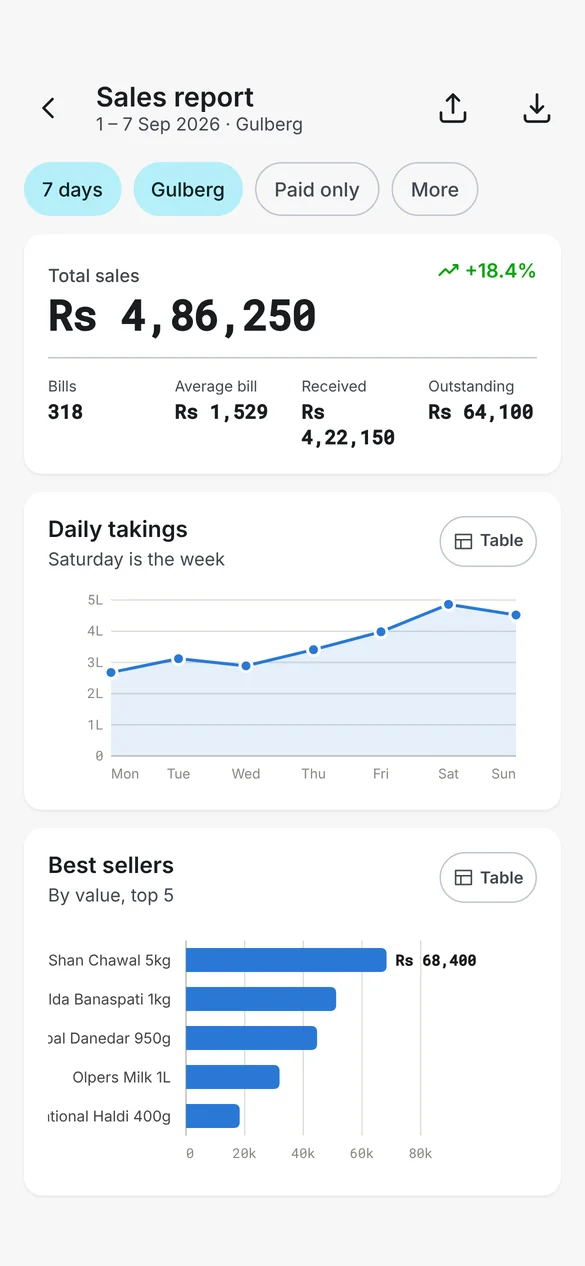
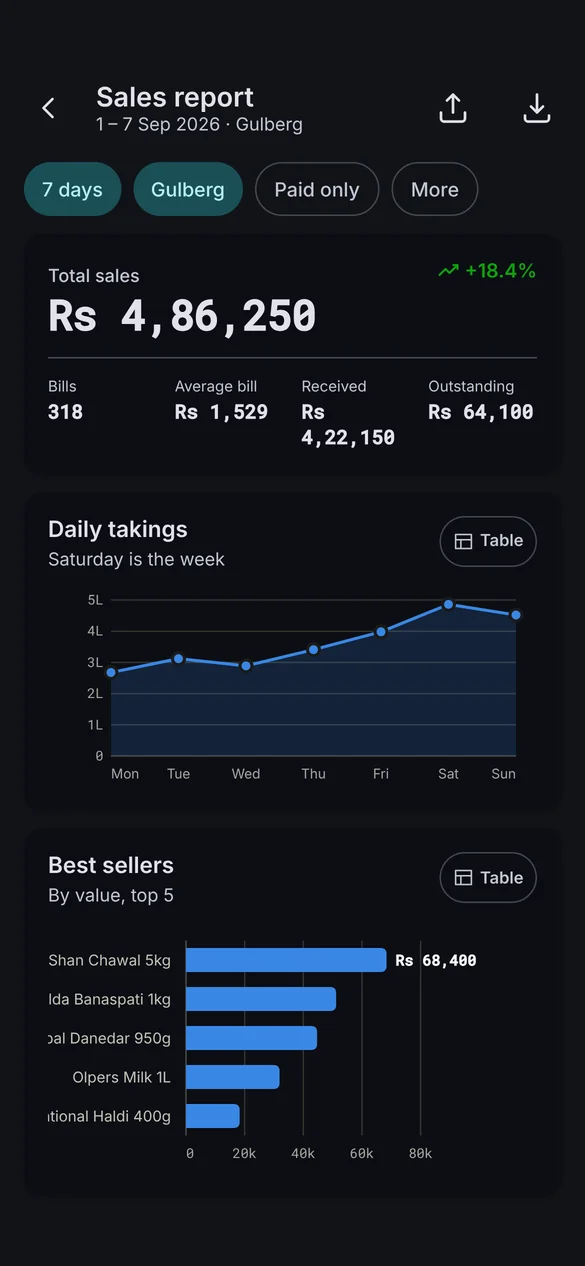
Search by name, scan with the camera or a Bluetooth scanner, and charge — cash, card, bank or khaata.
The apps keep a local copy of your catalogue, prices and customers. Every sale, payment and return is saved on the device first, then sent to your other branches the moment a connection comes back — in order, with nothing lost.
Try it → switch the internet off, ring up a few sales, then switch it back on.
Download the app for your counter PC or phone. It takes about two minutes.
Use the same Samba login as the web panel. Your products, prices and customers come down automatically.
Name the device and pick its branch. Each till gets its own invoice numbers, so nothing ever clashes.
Still stuck? We answer on WhatsApp, email and phone — in Urdu or English, by real people in Bahawalpur.
No. The desktop and mobile apps are included with every Samba plan, including the free trial. You pay for your plan, not per device.
Only to sign in the first time. After that the till works offline — sales, receipts, returns and customer payments are saved on the device and sync when the connection is back.
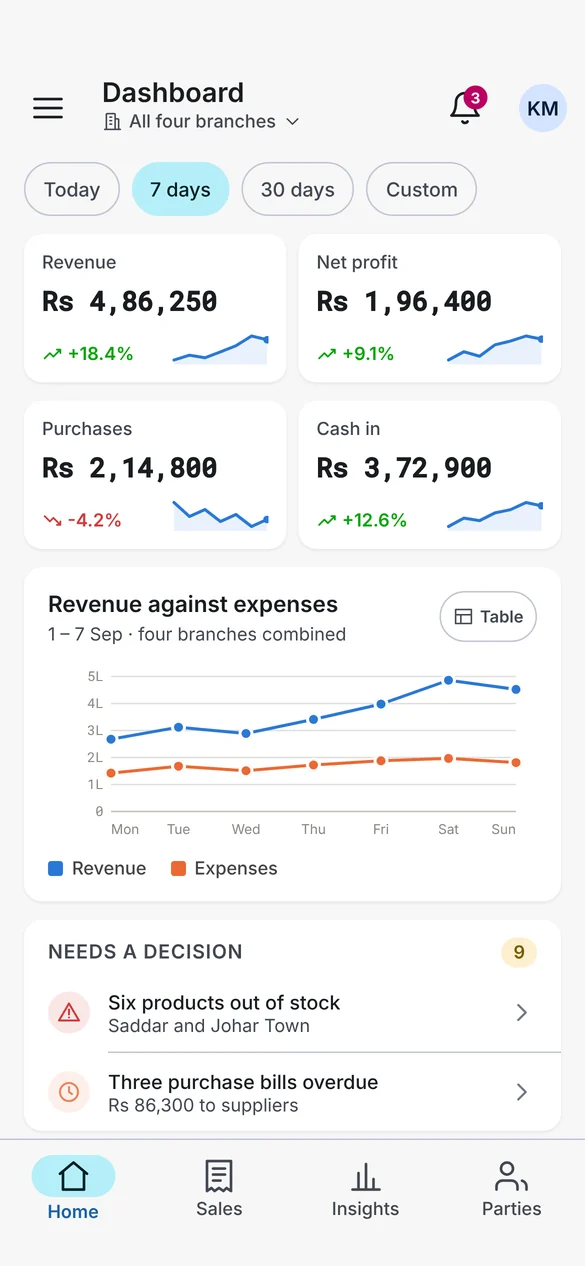
Yes. The apps and the web panel use the same account and the same books. A sale rung up on a phone appears in the dashboard, the stock count and the customer ledger.
On desktop: USB, network and serial 58mm and 80mm thermal printers. On mobile: Bluetooth thermal printers, Wi-Fi printers and the built-in printer on Sunmi handhelds.
Yes — register each PC or phone as its own till. Every till syncs with the rest of the branch and with your other branches.
30 days free. No credit card. The apps sign in with the same account.